Summary
When switching to a new phone, your data and Plus subscription remain active under the original email address; simply log in to the new app using the same credentials you used when making the purchase.
Step-by-step instructions
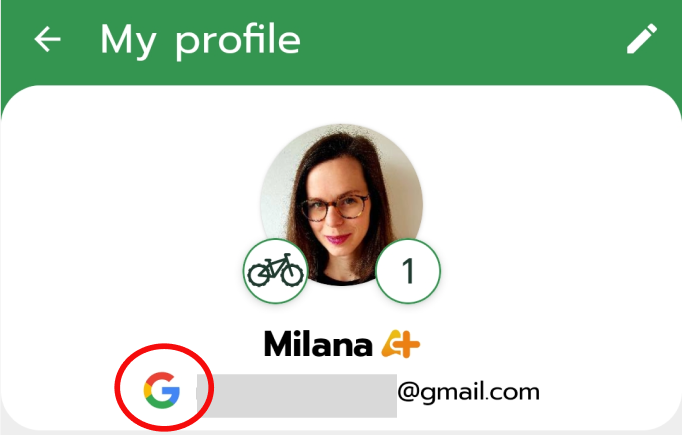
1. Ensure that you are logging in using the same email address that you used on your old device and under which you purchased the subscription (Android: Check the logo under your profile photo in 'My profile' on your old phone to identify your original sign-in method).
2. If you have forgotten your password, use the password recovery link.
3. If you are unable to log in to your account despite using the correct details, please contact our support.
Frequently Asked Questions (FAQ)
- I forgot my account password.
On the login screen, select the option to reset your password. Follow the instructions in the email sent to you.
- I have changed my email address, but my subscription is on the old address.
In this case, we will need to transfer your account. Please contact our support and provide both your old and new email addresses. You must have access to both addresses for identity verification purposes.
- I logged in correctly, but I cannot see my old rides.
Please contact our customer support.
What to do if it didn't help
Please contact our support and attach the payment receipt for the subscription from Google Play or the Apple Store. For Google Play Store receipts, we are primarily interested in the Order ID, which begins with the letters GPA.
Was this article helpful?
That’s Great!
Thank you for your feedback
Sorry! We couldn't be helpful
Thank you for your feedback
Feedback sent
We appreciate your effort and will try to fix the article